
Style Agent Visibility
This page applies only if your organization has the Style Agent enabled. If you don’t see a Style guides tab on your groups, your plan doesn’t include the Style Agent — talk to your account team to enable it.
When the Style Agent is enabled, each group controls which style guides its members can use and an optional default. Visibility is default-closed: a style guide is hidden from non-admin members until a group is granted access to it. (Admins can always see every style guide in the organization.)
Make style guides visible to a group
Open a group from Team Management → Groups, then select the Style guides tab.
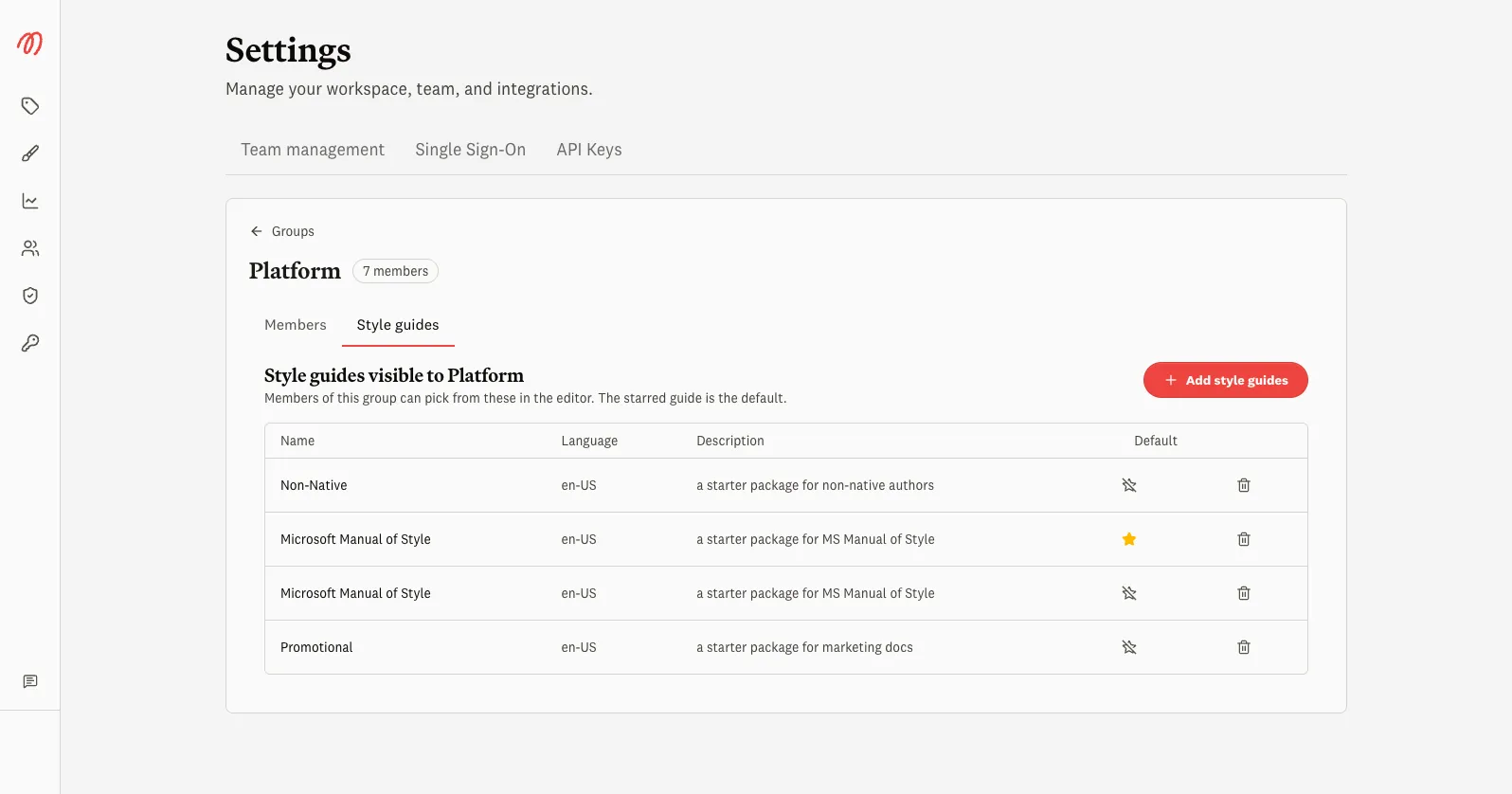
- Add style guides — grant the group access to one or more style guides.
- Set as default — star one guide as the group’s default (see Default style guide below).
- Remove — revoke access. If you remove the starred guide, it stops being the default too.
You can grant the same style guide access to several groups, and a member who belongs to multiple groups sees the union of everything those groups can access.
Default style guide
A group can have a default style guide — the one a check uses when a member doesn’t pick one explicitly. On the group’s Style guides tab, star a visible guide to set it as the default; clear the star to remove it. A guide must be visible to the group before it can be its default.
Resolving the default when a user is in more than one group
A user can belong to several groups, and more than one of those groups might have a default. When that happens, Markup AI resolves a single default:
- It looks at the user’s groups in alphabetical order by group name (case-insensitive) and uses the default from the first group that has one.
- If none of the user’s groups has a default, the user has no default style guide and chooses one explicitly when they run a check. Markup AI surfaces this state rather than silently picking one.
For example, a user in both Engineering (default: Microsoft Manual of Style) and Marketing (default: Promotional) gets Microsoft Manual of Style, because “Engineering” sorts before “Marketing”.
A default always points at a style guide the user can actually see. If a default style guide is later removed, or the group’s visibility to it is revoked, the default is cleared rather than left dangling.