
API Keys
API keys authenticate your code, the hosted MCP server, and integrations like Zapier and the GitHub Action against the Markup AI API. Manage them in the console under API Keys.
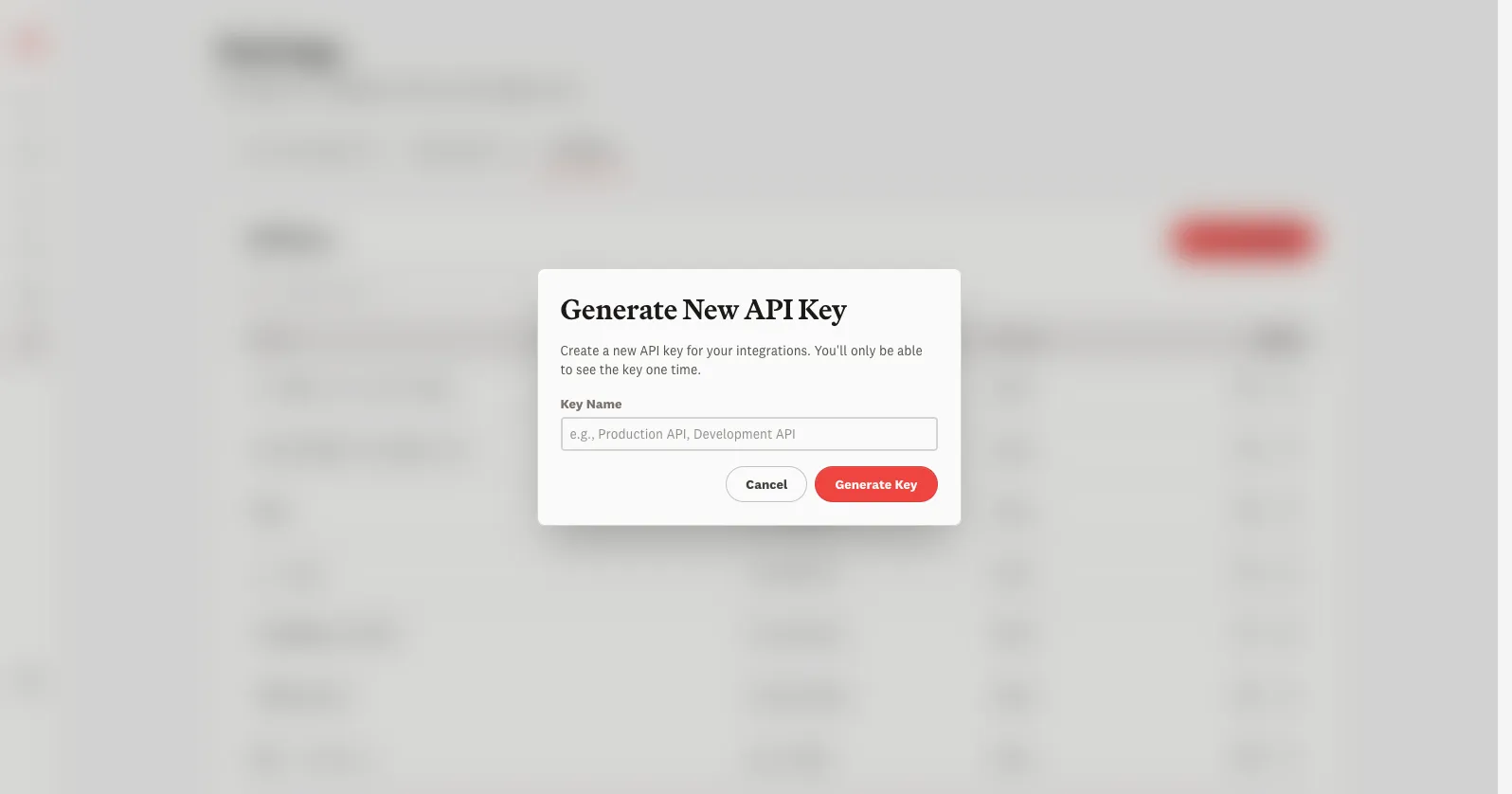
Generate a key
Use a key
Send the key as a bearer token on each request:
The same key works for the hosted MCP server. For full request and response details, see the API Reference and the Quickstart.
Manage and rotate keys
The API Keys table lists every key with a masked preview, so you can tell them apart without exposing the secret. From there you can rename or delete a key. To rotate a key with no downtime: generate a new one, update your integration to use it, confirm it works, then delete the old key.
A key carries the permissions of the organization it belongs to. Treat it like a password — never commit it to source control or paste it into client-side code.